Free EXIF Remover
Remove metadata from your photos, including GPS location and camera information, in your browser.
- 100% Local Processing
- No Upload Required
- Free Forever

Drag & Drop Your Photos Here
or
Supports: JPG, PNG, WebP · HEIC coming soon
Your files never leave this device.
Cleaning Options
Cleaning works by byte-level metadata editing, so pixels stay untouched. If a format needs re-encoding, the tool says so. Nothing you add here is ever uploaded.
What Metadata Can Be Removed?
- GPS coordinates and location data
- Camera and device information
- Timestamps and editing software
- Author and copyright details
The cleaned file is re-inspected automatically before download.
How It Works
- 1 Upload your photo
- 2 Choose a cleaning option
- 3 Download the clean image
What the sample photo looks like after each mode
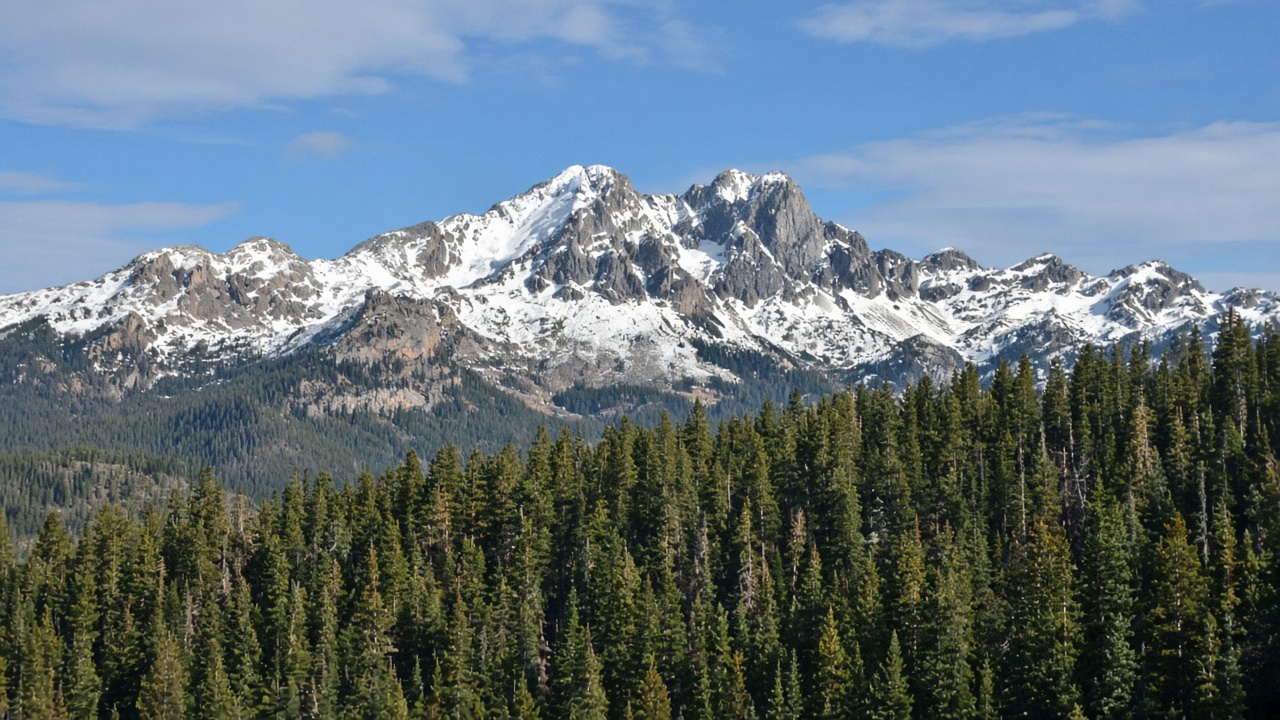
These rows are from the bundled sample photo.
| Field | Before | After |
|---|---|---|
| File size | 490,504 bytes | Remove all: 490,178. GPS only: still 490,504. |
| GPS | 51.11472, -114.14639 | Gone in both modes |
| Camera | Canon EOS R6 Mark II | Gone if you remove all. Kept if you remove GPS only. |
| Artist | Jane Doe | Gone if you remove all. Kept if you remove GPS only. |
| Date | 2024-05-10 14:30:02 | Gone if you remove all. Kept if you remove GPS only. |
| XMP and IPTC | Neither block is in this file | Still neither. The block sample below is the file that has them. |
| Content Credentials | C2PA box, 13,458 bytes. It names Grok Imagine and the source type trainedAlgorithm. | Kept, byte for byte, after Remove all and after GPS only. |
| Image data | Bytes from the SOS marker to the end of the file | Same bytes. The 326-byte shrink is the EXIF segment and nothing else. |
This EXIF segment is 326 bytes. It has no orientation tag and no embedded thumbnail, so this photo cannot show a sideways result or a hidden preview. A .heic file is refused before any rewrite. It is not turned into a JPEG.
What happens when the file also has XMP, IPTC and a colour segment
These rows are from the same photo with three segments added.
| Field | Before | After |
|---|---|---|
| File size | 490,949 bytes | Remove all: 490,213. GPS only: still 490,949. |
| XMP creator | Quinn Hale, in a 375-byte APP1 packet | Gone after Remove all. Kept after GPS only. |
| IPTC credit | IPTC-CREDIT-PRIVY, in a 35-byte APP13 segment | Gone after Remove all. Kept after GPS only. |
| Colour segment | APP2 beginning ICC_PROFILE, 35 bytes, test profile PRIVY-ICC-PROFILE | Kept in both modes. This is not a full display profile. |
| C2PA box | Same 13,458-byte box as the photo above | Kept in both modes. |
| Image data | SOS marker through the end of the file | Same bytes after Remove all. |
GPS only leaves the XMP packet and the IPTC segment where they were. Remove all deletes those two segments and the EXIF segment in one pass. The colour segment and the Content Credentials box are not on that list.
Pick a mode, not a different product
- GPS Metadata Remover — location only. Camera, artist and date stay.
- Batch EXIF Remover — Remove all, up to 100 files, one ZIP.
- Image Metadata Cleaner — Remove all, no selective modes.
Supported Image Formats
| Format | Extensions | Validation | Status |
|---|---|---|---|
| JPG | .jpg, .jpeg | JPEG byte signature | Supported |
| PNG | .png | PNG byte signature | Supported |
| WebP | .webp | RIFF/WEBP byte signature | Supported |
| HEIC | .heic, .heif | ISO BMFF ftyp brand | Planned |
Files are verified by their actual byte signature — not just the file extension — so renamed or corrupted files are rejected before processing.
How to Remove EXIF Data
- 1
Add your photos
Drag & drop them onto the tool, or click Choose Files. Files are opened locally — there is no upload step.
- 2
Review what was found
Each file is validated against its byte signature and listed with its format and size. Unsupported or corrupted files are flagged immediately.
- 3
Pick a cleaning option
Choose between removing all supported metadata, GPS only, camera information, or personal fields such as author and copyright.
- 4
Download and verify
The cleaned file is compared against the original side by side, downloadable instantly, and you can re-inspect it to confirm.
What Information Can EXIF Data Reveal?
A photo is more than pixels. Most cameras and phones quietly embed a block of metadata — EXIF — that records how and where the picture was made. A single screenshot of a photo's metadata can reveal:
- Location. GPS coordinates down to street level when location services were enabled.
- Your devices. Exact camera or phone model, and sometimes serial numbers.
- Your schedule. The precise date and time a photo was taken.
- Your workflow. Editing software and version, which can hint at your tools and setup.
- Your identity. Author and copyright fields set by you or your organization.
For everyday sharing this is usually harmless — but for journalists, activists, photographers and anyone concerned about privacy, stripping metadata before publishing is a simple, high-value habit. The EXIF guide shows what the sample photo still contains after each mode.
How We Process Your Images
Your files never leave your device. The EXIF Remover runs entirely in your browser: files are read with the browser's File API, validated in Web Workers, and rewritten in memory before being handed back to you as a download.
- No file uploads — there is no server endpoint that could receive one.
- No analytics is connected, so file names, GPS coordinates and EXIF values are not sent anywhere.
- Memory hygiene: previews and buffers are released as soon as a file is removed.
- A strict Content-Security-Policy restricts where the page may connect.
See our Privacy Policy for details.
Want proof instead of promises? Follow our step-by-step DevTools network audit — it works on this site and on any competitor, so you can compare architectures yourself.
Technical Limitations
- Engine status: “Remove all” deletes the EXIF, XMP and IPTC segments when they are separate blocks. If that edit cannot reach the metadata, Remove all re-encodes and the status line says so. GPS-only, camera and personal modes edit the EXIF block in place and keep the file the same length.
- Scope: metadata cleaning removes what the format declares as supported. It cannot remove information burned into the pixels themselves (for example a landmark visible in the photo).
- Formats: HEIC, TIFF and AVIF support is planned but not yet available.
- Verification: the tool re-checks the cleaned file and lists any tags that survived. You can also open the download in the EXIF Viewer.