Free PDF Metadata Remover
Remove author information and document properties from your PDF files.
- 100% Local Processing
- No Upload Required
- Free Forever
- Author:
- John Doe
- Title:
- Project Report
- Subject:
- Confidential
- Keywords:
- Q1, Report
- Author:
- —
- Title:
- —
- Subject:
- —
- Keywords:
- —
Drag & Drop Your PDF Here
or
Supports: PDF
Your files never leave this device.
What to Remove
The PDF is rewritten in your browser. Properties read back empty, and dates read back as 1 Jan 1970. An XMP stream, if present, is reported and left in place. Nothing is uploaded.
What the sample PDF looks like after a full clean
These rows are from the bundled sample PDF.
| Field | Before | After |
|---|---|---|
| File size | 1,041 bytes | 919 bytes |
| Author | Alex Rivera | Empty |
| Title | Q3 Planning Notes | Empty |
| Subject | Internal draft | Empty |
| Keywords | sample metadata | Empty |
| Creator / Producer | PrivyFile Sample / pdf-lib | Empty |
| Created / modified | 23 Nov 2026 | 1 Jan 1970 — the field stays, the clock is zeroed |
| XMP stream | None in this file | If a file has one, the tool reports it and does not edit it |
Need the title and the dates kept? The PDF Author Remover clears only Author, Creator and Producer. The PDF Privacy Inspector reads risks and does not change the file.
Two narrower tools, same file
- PDF Author Remover — Author, Creator and Producer only. Title, subject, keywords and dates stay.
- PDF Privacy Inspector — read-only. It reports properties, XMP, attachments and scripts, then you come back here to clean properties.
About PDF Metadata
PDF files can contain hidden information, including author names, document properties and creation details. This tool helps you remove supported metadata to better protect your privacy before a document leaves your hands.
- Document Information dictionary — Title, Author, Subject, Keywords, Creator and Producer.
- Dates — creation and modification are set to 1 Jan 1970. The fields are not deleted.
- XMP metadata — reported when present, and left in the file.
Important boundary: cleaning document properties is not the same as redacting document content. Visible text, comments, form fields and attachments are separate concerns — the tool states exactly what it removes and what it does not.
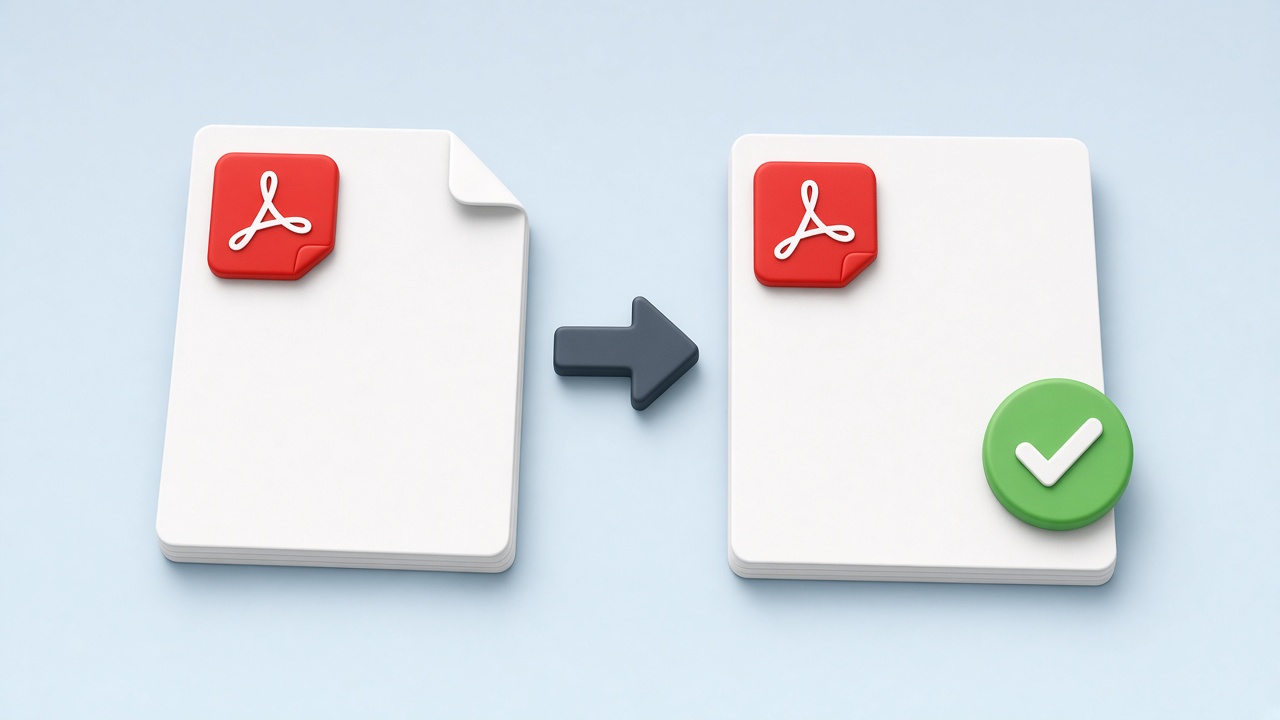
Before and After
Illustrative example — actual results depend on your file.
Original PDF Properties
- Author
- John Doe
- Title
- Project Report
- Subject
- Confidential
- Keywords
- Q1, Report
Cleaned PDF Properties
- Author
- —
- Title
- —
- Subject
- —
- Keywords
- —
Why Remove PDF Metadata?
PDF properties quietly record who created a document, which software was used, and when. Cleaning them keeps your personal information private when you share files with clients, publishers or the public.
How It Works
- Upload → Clean → Download
Everything runs in your browser — cleaned PDFs download instantly.
Supported Formats
| Format | Extensions | Validation | Status |
|---|---|---|---|
| %PDF- byte signature (first 1 KB) | Supported |
PDF files — works with most PDF files, verified by their byte signature before anything is processed.
Frequently Asked Questions
Does this tool upload my PDF?
No. Files are validated and previewed entirely inside your browser. There is no server that could receive them.
Will cleaning break my PDF?
The file is rewritten and opened again before download. On the bundled sample it shrinks from 1,041 bytes to 919. Page content is not the target. Dates are not deleted: they read back as 1 Jan 1970.
Does this remove comments and annotations?
Not in the first release. Comments, form fields and attachments are tracked as separate follow-up features — the tool states its exact scope before you download anything.